






Media Hub
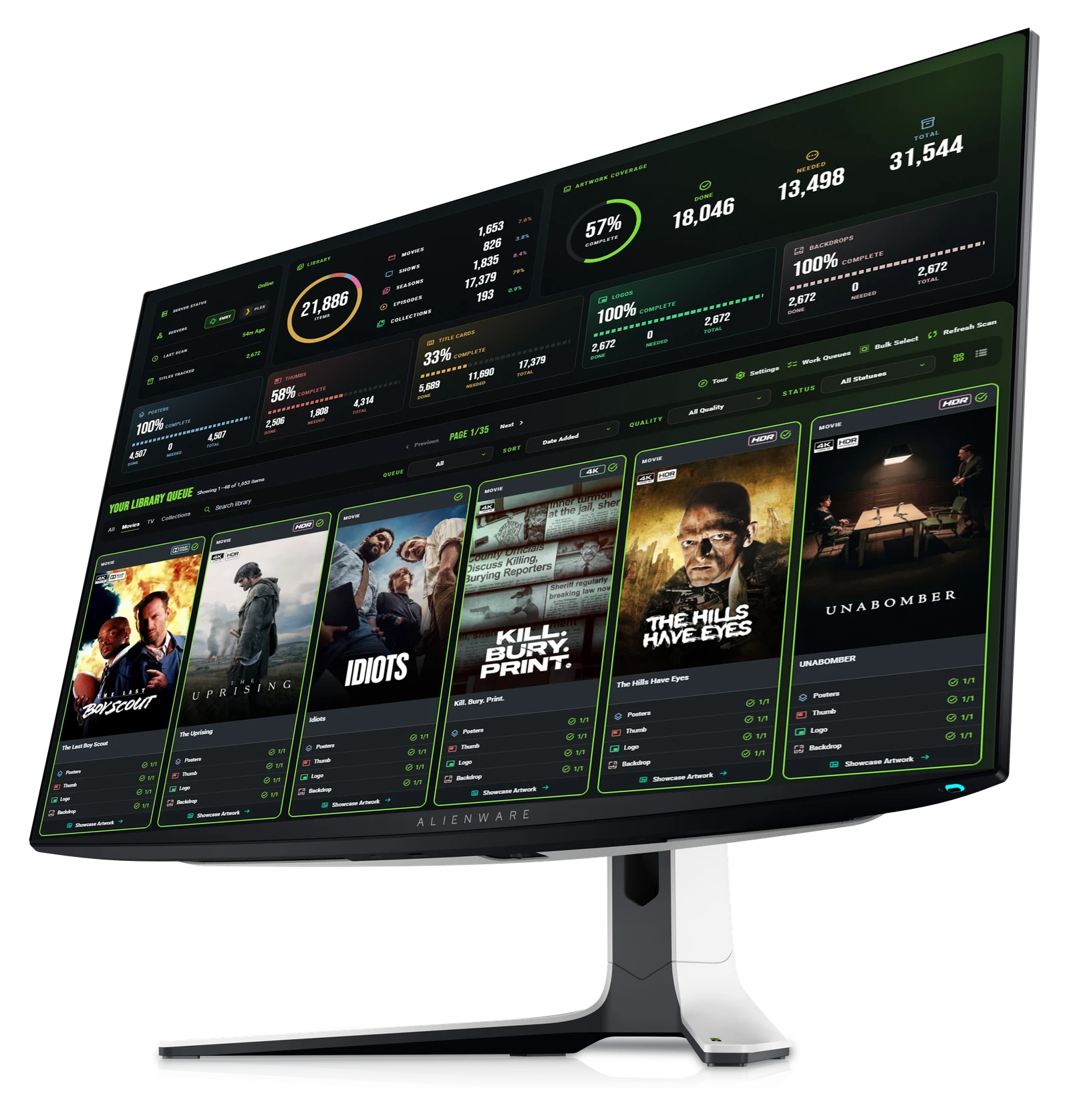
Your library, organized. Connect your server, scan the collection and surface every missing piece of artwork.
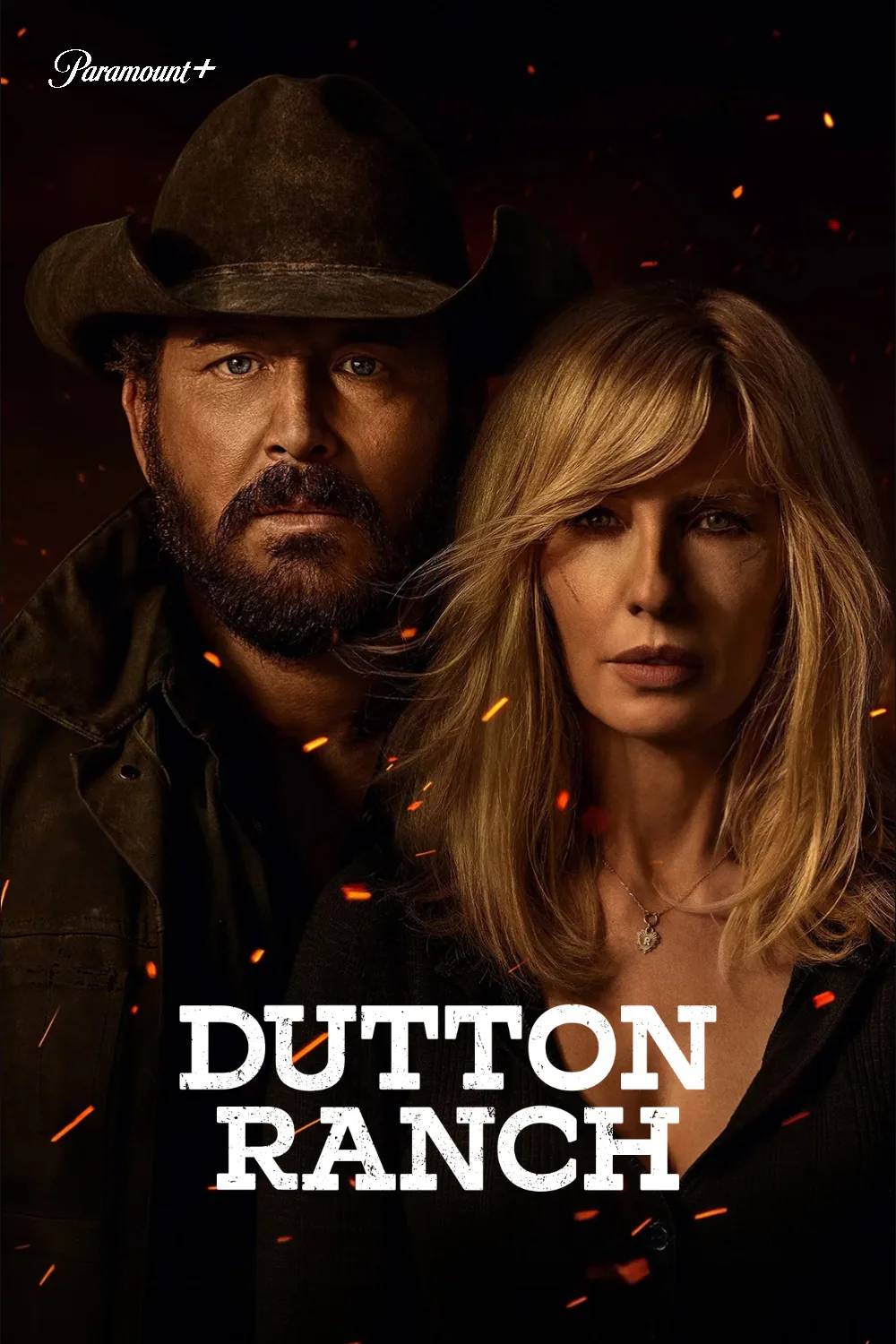
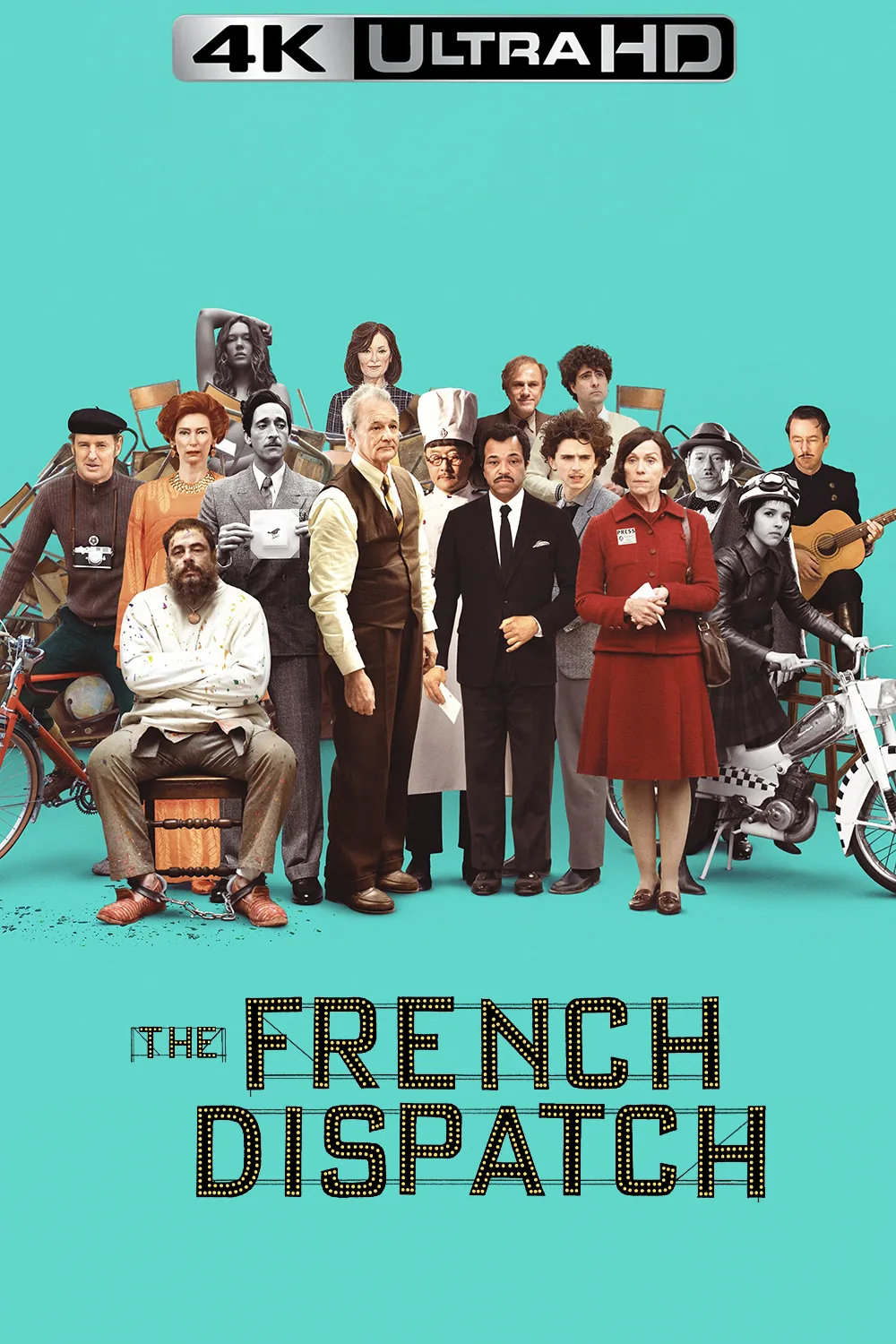
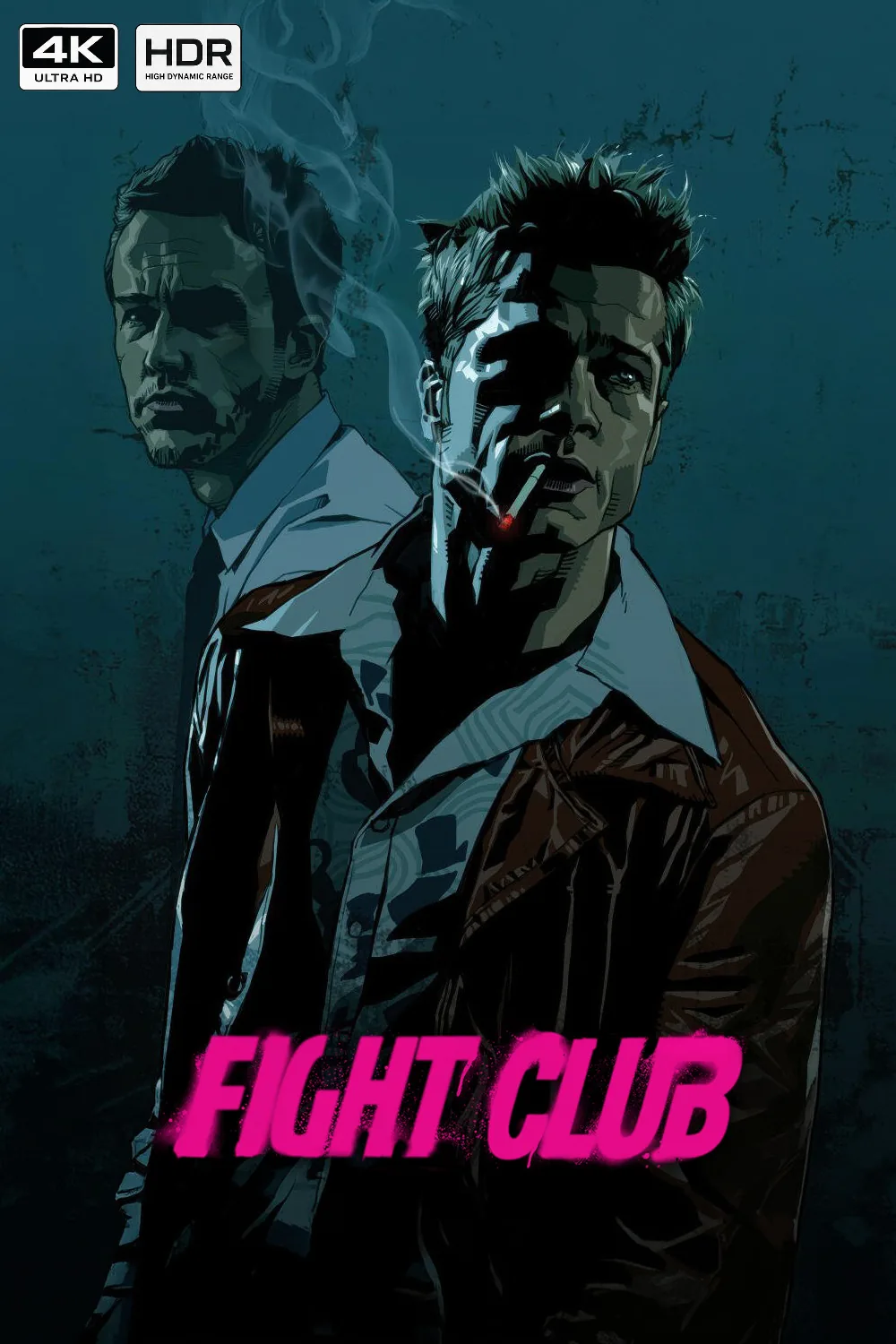
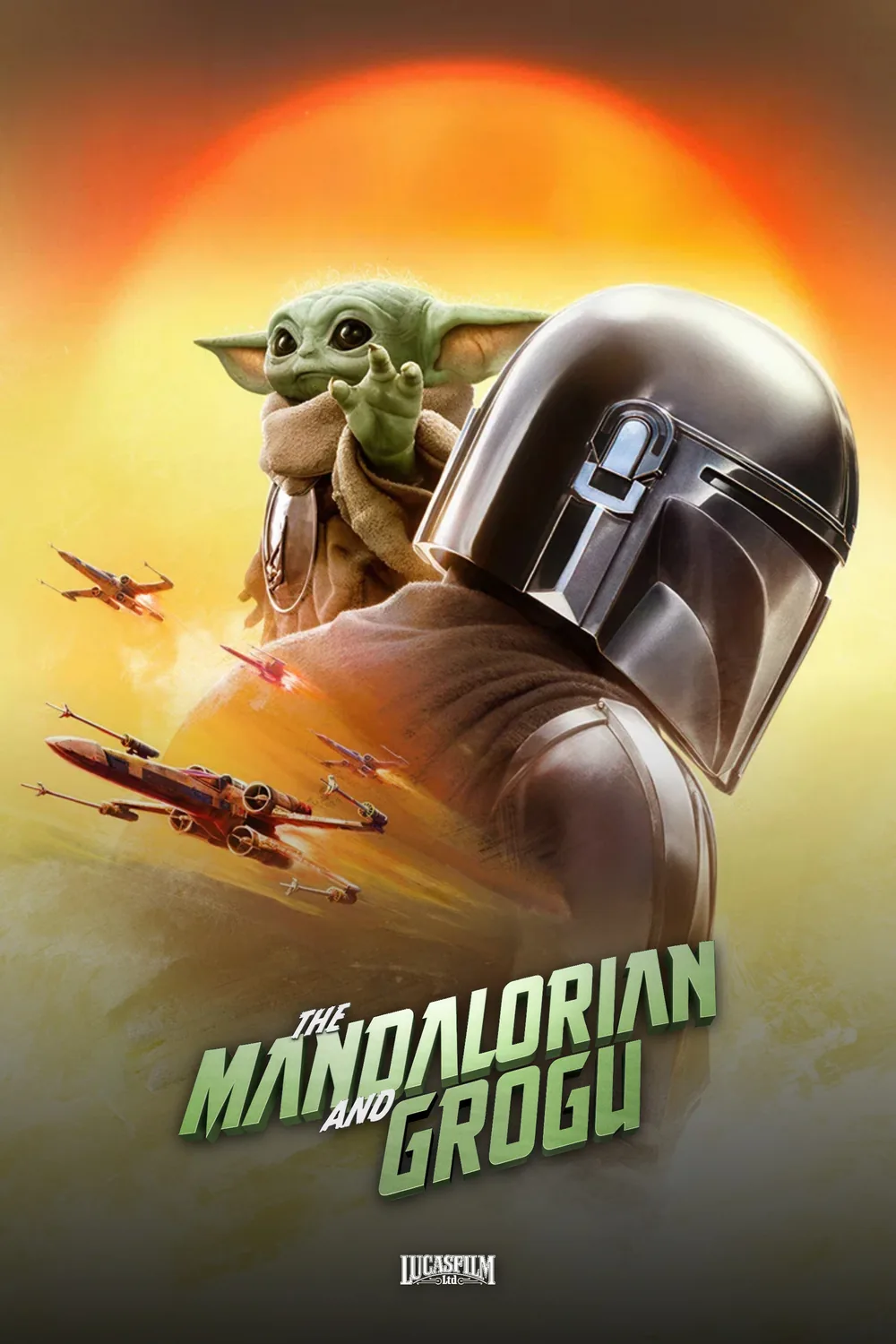
Artwork health scored across posters, cards, thumbs and Plex square art, season by season.
Find clear title logos and backdrops for any title and set them right from the hub.
Emby, Jellyfin and Plex scans with live progress.
Gaps surface sorted and filtered. One click drops you into the right lab.
Filter library gaps by artwork type, status and title so the next fix is easy to find.
Send a movie, show or season into Poster, Card, Thumb, Square or Showcase Lab with its context attached.
Thumb Lab
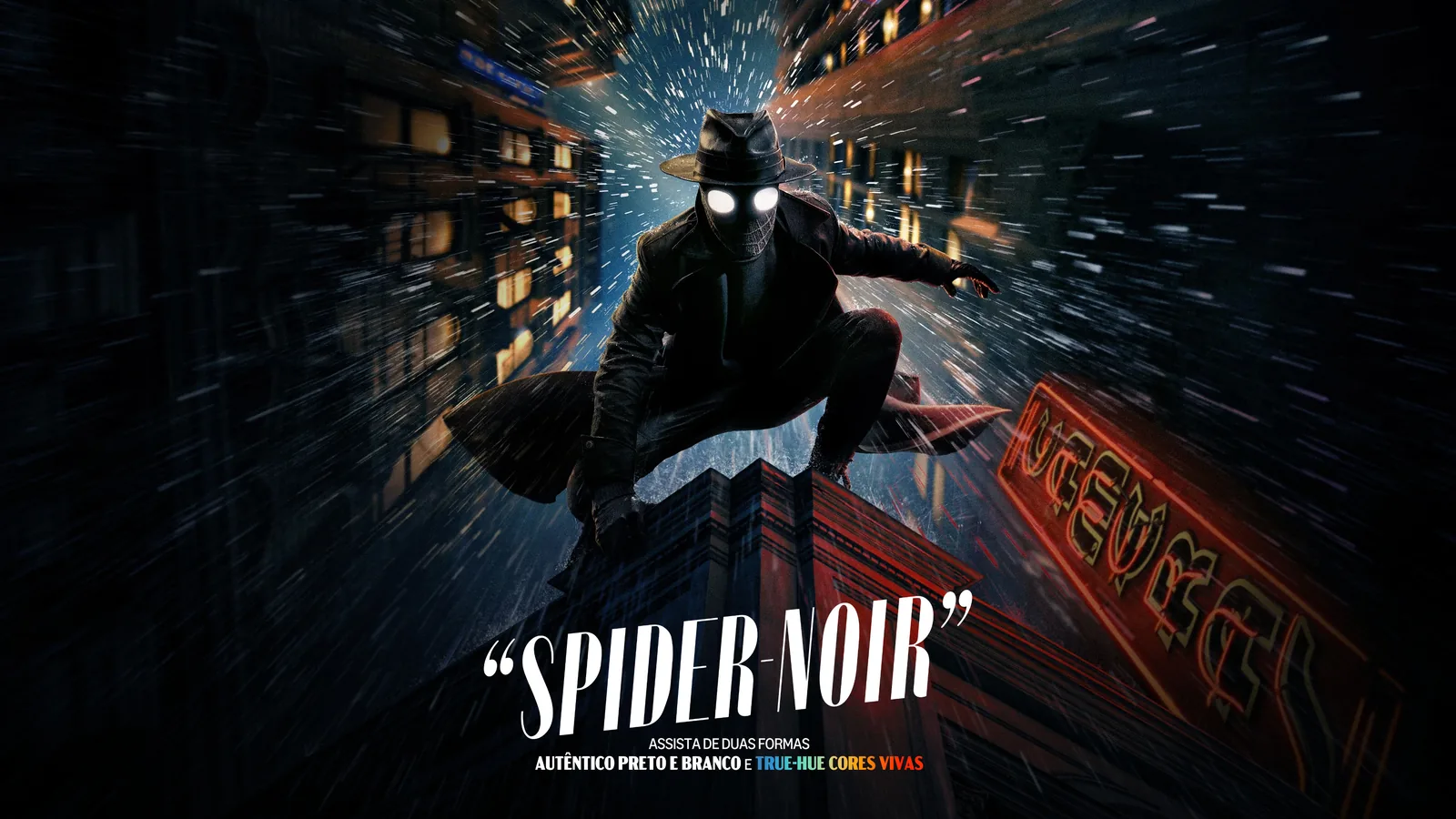
Landscape art, reframed. Build backdrops that read like key art, with logo, matte and gradient in one pass.
Browse movie and TV backdrops from TMDB, TVDB, Fanart.tv, Apple TV and Netflix, or upload your own.
Clear logos, uploads or text, with color, shadow, scale and position control.
Dark matte and gradient keep logos crisp over busy art.
Export at 3840x2160 or push straight to Emby and Jellyfin.
Swap backdrops and logos, toggle effects and export from the quick edit bar above the canvas.
Save named configs and style presets, or browse community presets for a consistent 16:9 look.




Poster Lab
Posters, fully art-directed. Create distinctive artwork for films, shows, seasons and entire collections.
Banners, gradients, network and title logos, fully placed.
One editable card per season or film with one-click Download All.
Stretch, fit or fill with cinematic safe-area guidelines.
Save named configs and push posters back to Emby, Jellyfin or Plex.
Remove unwanted text, extract logos and upscale weak source art before building the poster.
Reuse a saved look, browse community presets and adjust artwork or overlays from the canvas bar.
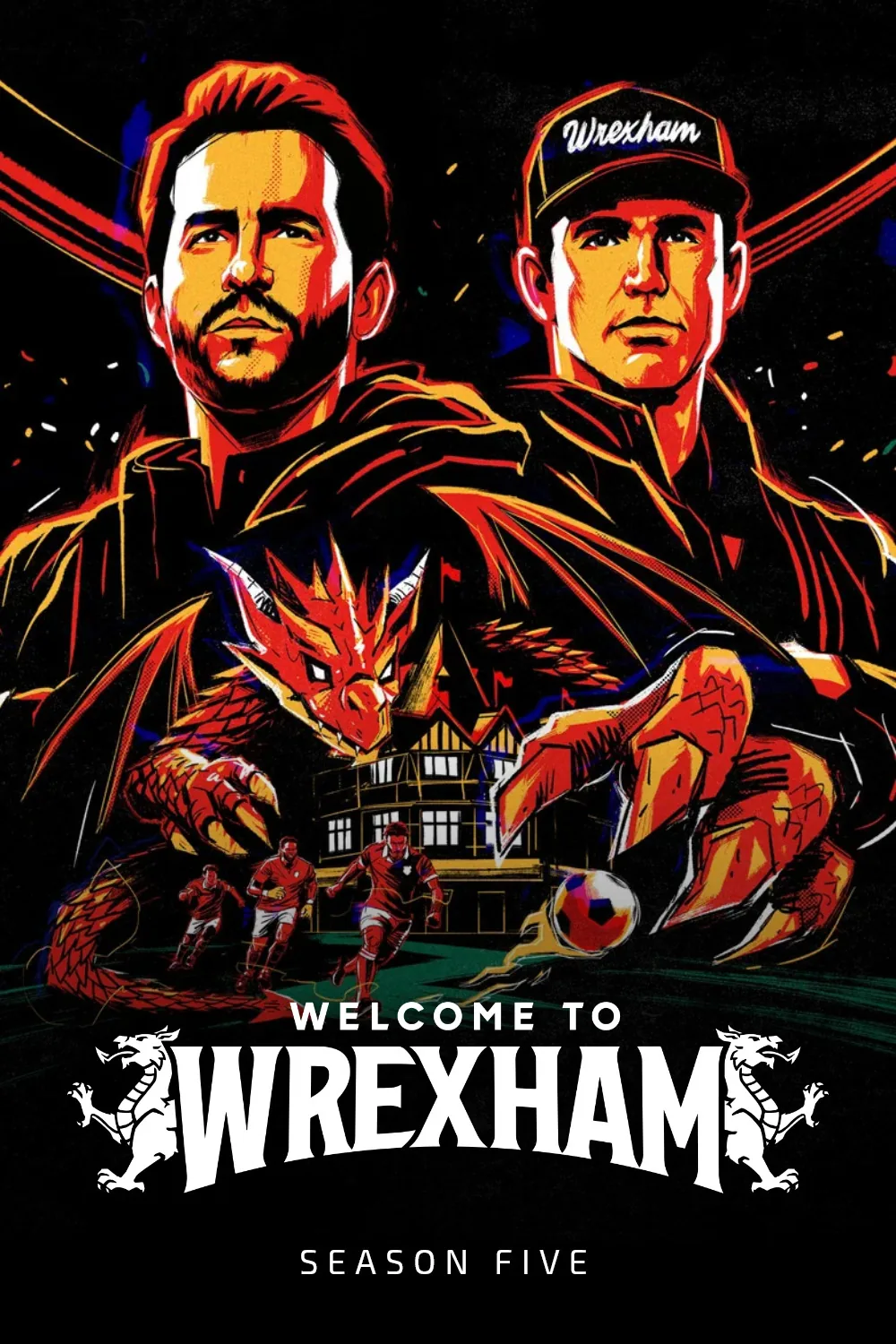


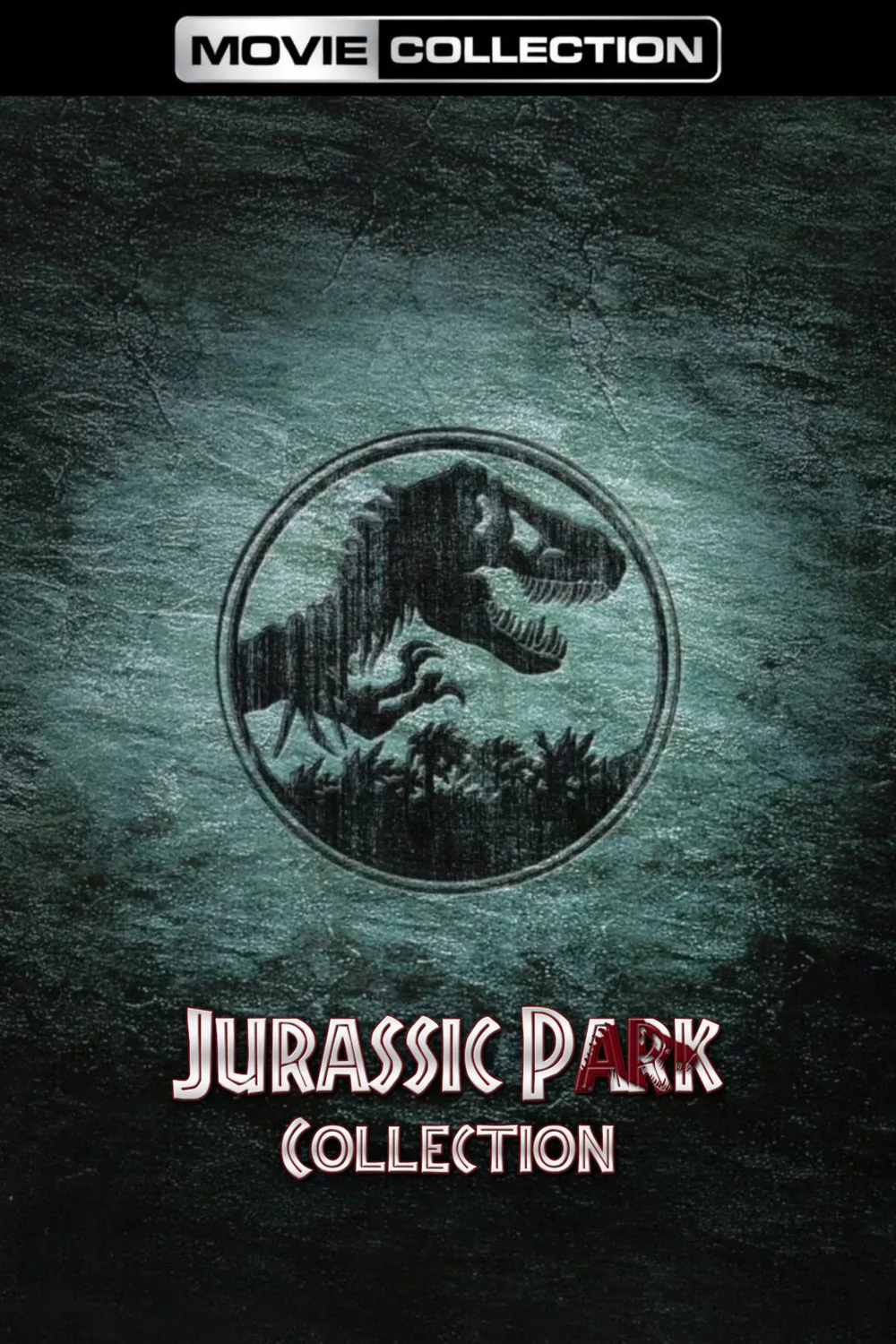
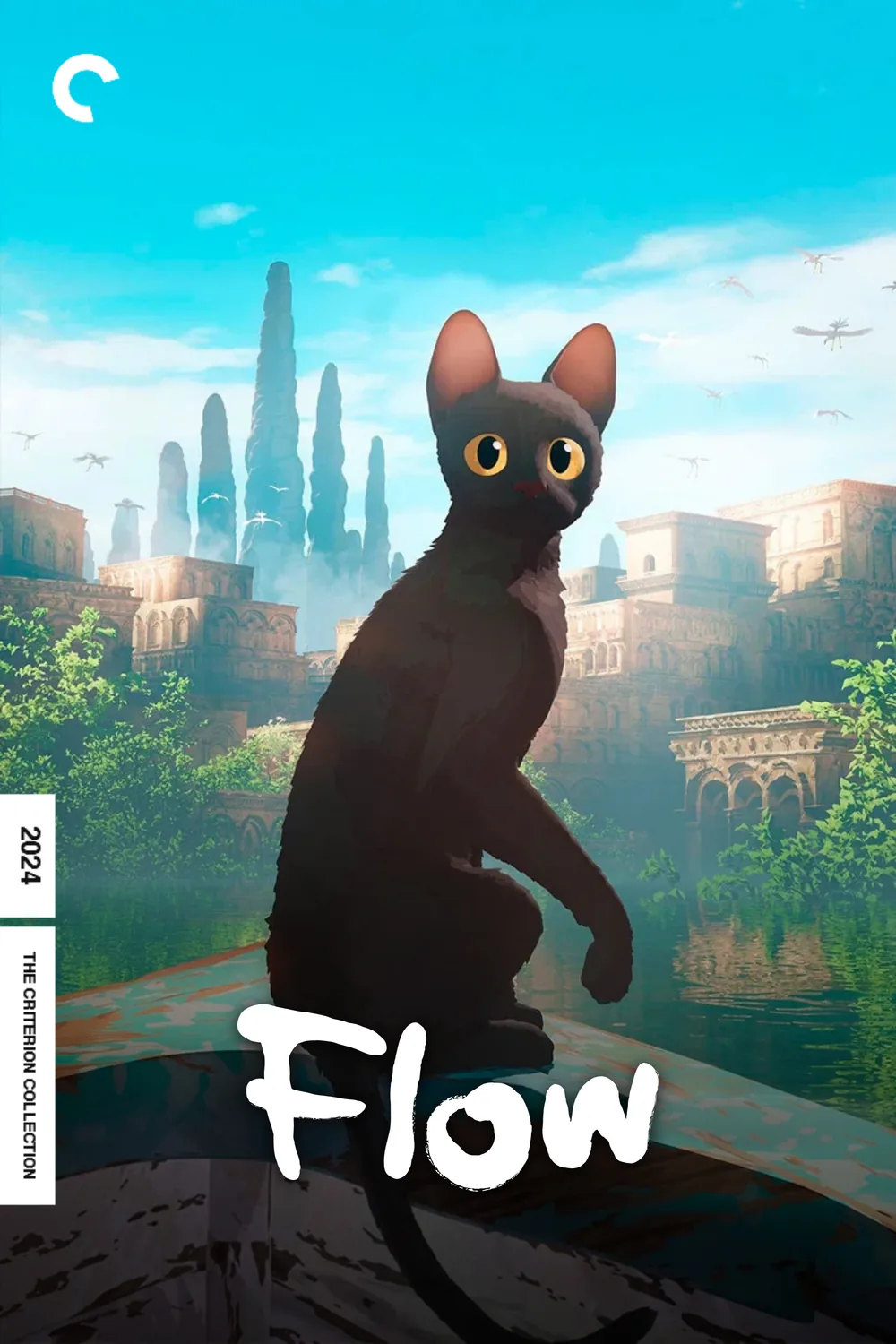
Card Lab
Episodes deserve titles. Typeset every episode and render complete seasons in minutes.
Pull seasons from TMDB or TVDB search, or load from Emby, Jellyfin, Plex or Sonarr.
Format a full season at once or fine-tune one card.
Adjust title typography, layout and per-card placement.
Render whole seasons and push cards back to Emby, Jellyfin or Plex.
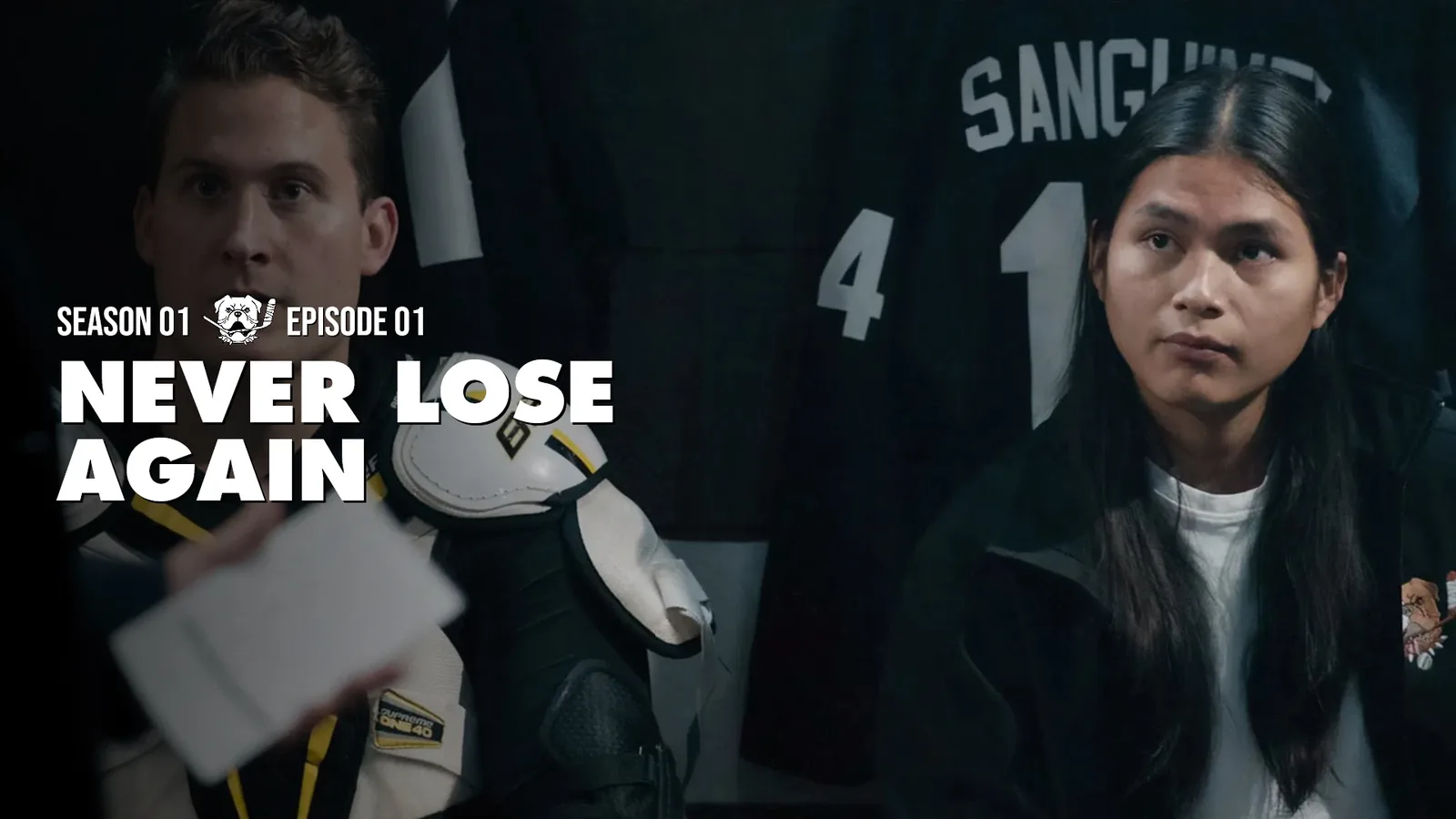
Choose or upscale episode stills, then refine individual cards with on-canvas placement overrides.
Control fonts, gradients, show logos and textless mode; save styles as presets for another season.
%20-%20S21%20E5.webp)
%20-%20S2%20E8.webp)
%20-%20S37%20E8.webp)
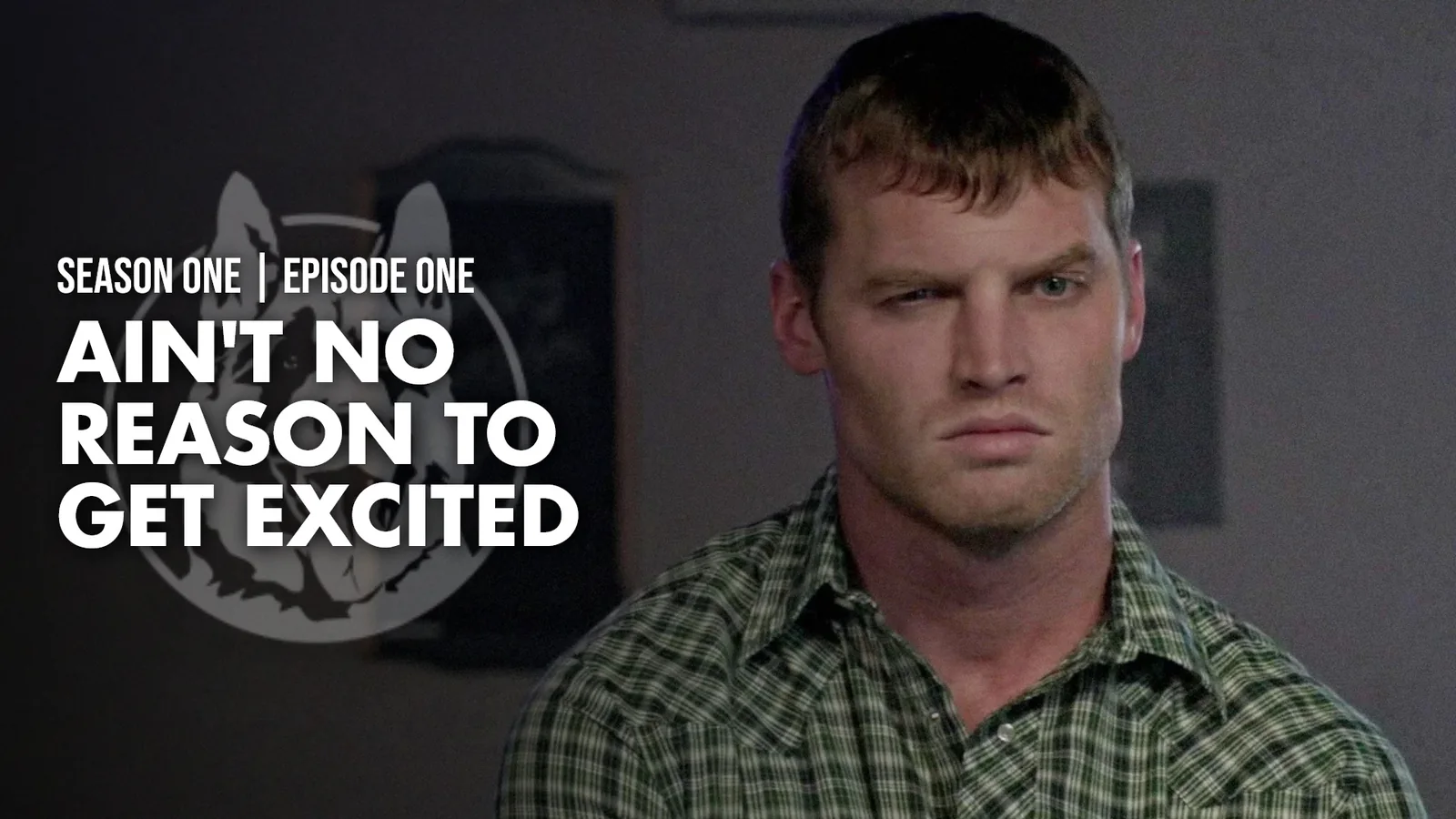
Showcase Lab
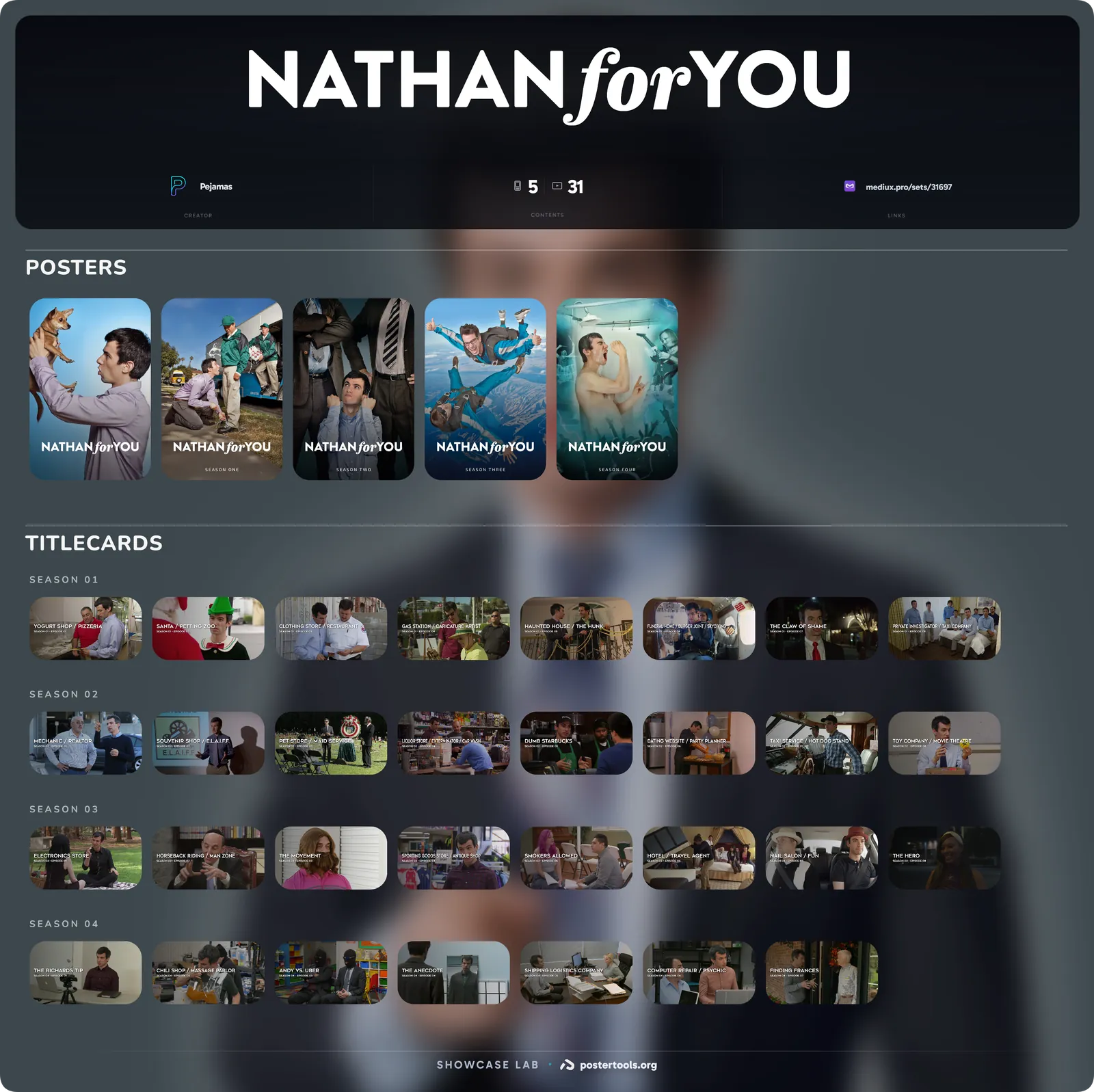
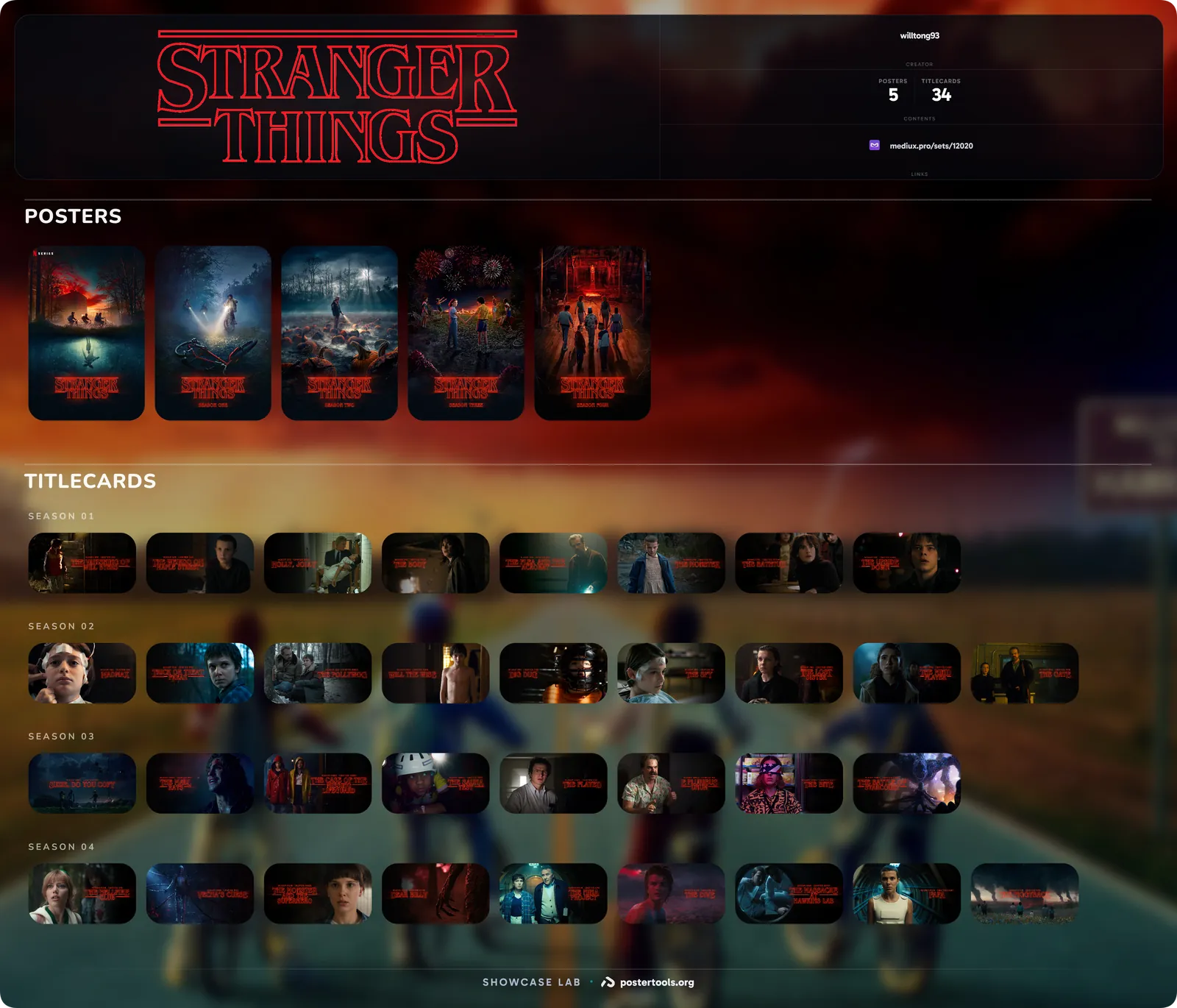
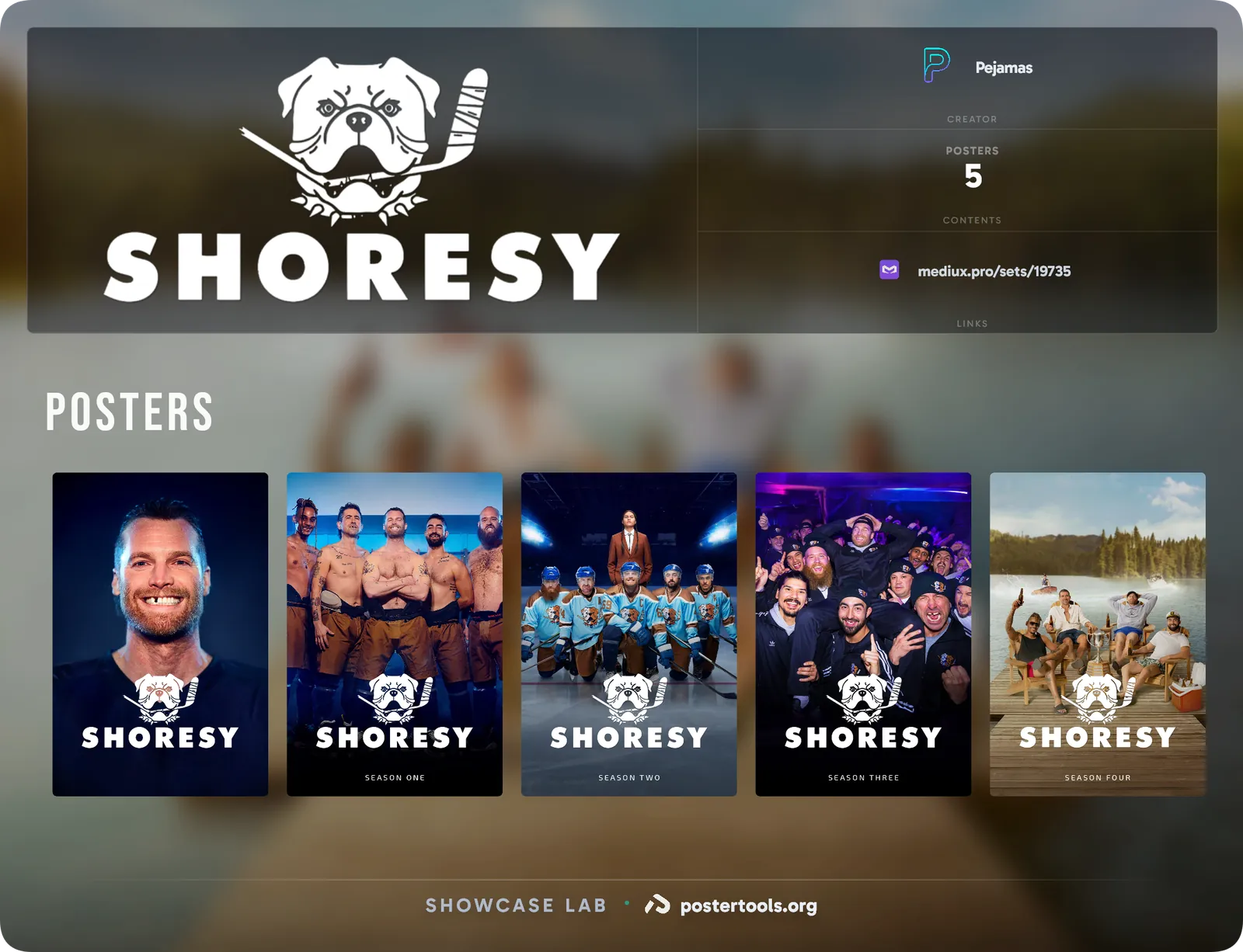
Collections, presented. Compose your entire set into one polished, shareable wall.
Auto-pull full poster and titlecard sets, or upload your own.
Independent columns, drag-to-reorder and per-section toggles.
Creator name, source links and live content counts.
Download the whole showcase as a single high-resolution image.
Start with a library title and bring its available artwork into the showcase layout.
Share the finished wall on a public creator page with details and links to the artwork download.
Square Lab
Built for Plex. Create square artwork for mobile libraries and reframe backdrops for detail screens.
Browse backdrops and square artwork from TMDB, TVDB, Fanart.tv, Apple TV and Netflix, or bring your own image.
Pan and zoom inside a locked 1:1 frame that always stays covered.
Exports as backgroundSquare.jpg, ready for Plex local media assets.
Browse your Plex library and send square art straight to the item.
Find cleaner backgrounds and localized art across the available sources before framing the square.
Use quick edit sliders for zoom and position, or assign keyboard shortcuts to artwork and export actions.




Showcase Gallery
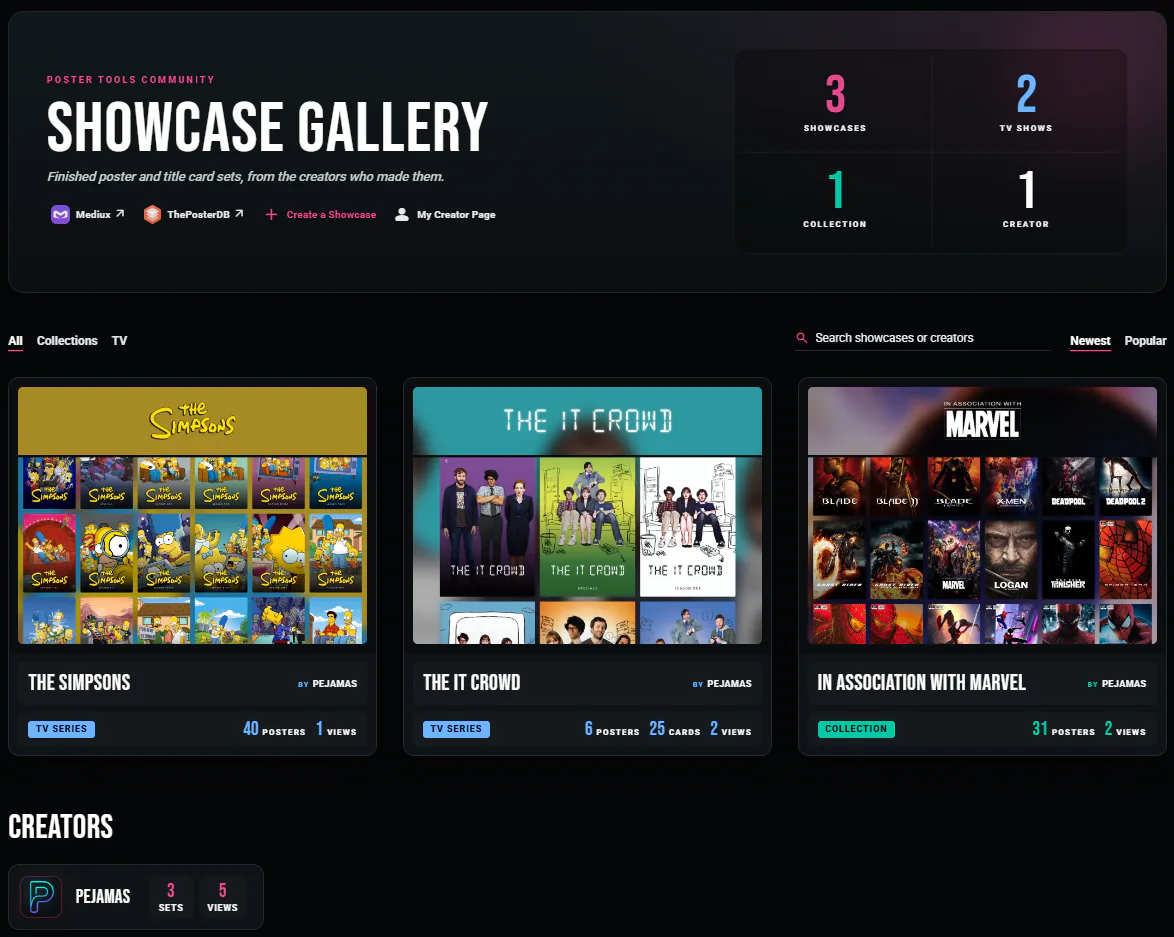
Share the finished set. Publish your work to a public gallery and browse what everyone else has built.
One button turns a finished showcase into a public page with its own link.
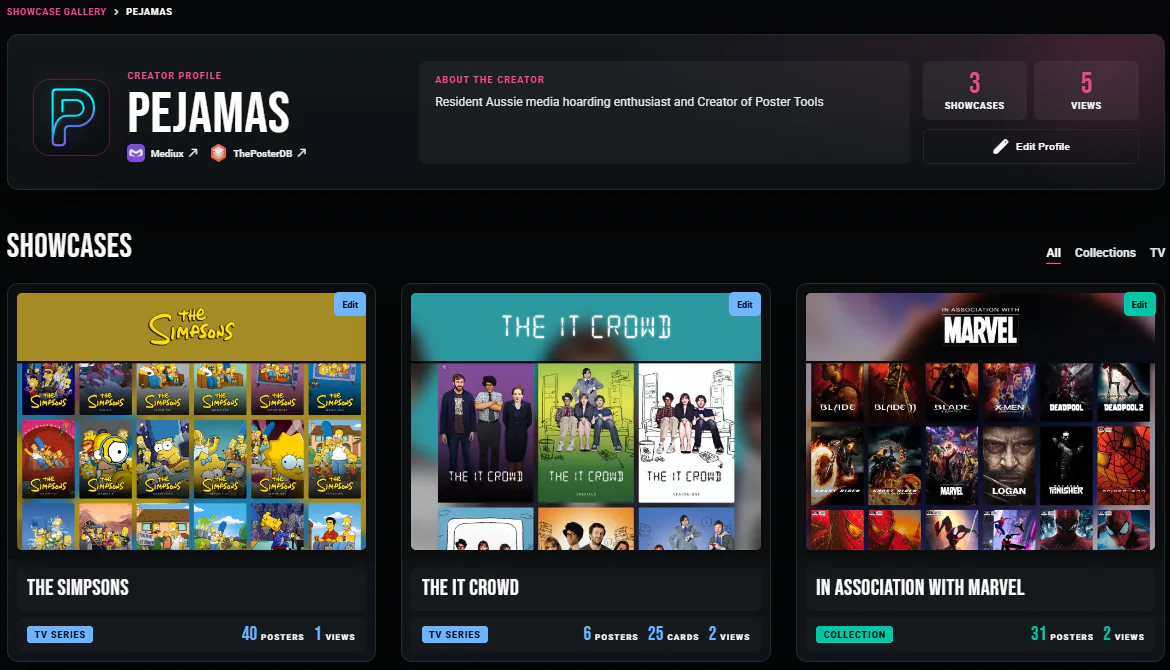
Every set you share collects on one page at postertools.org/showcase/@you.
Point each set at Mediux or ThePosterDB so people can grab the files.
Filter by TV or collections, sort by newest or popular, and open any set full size.
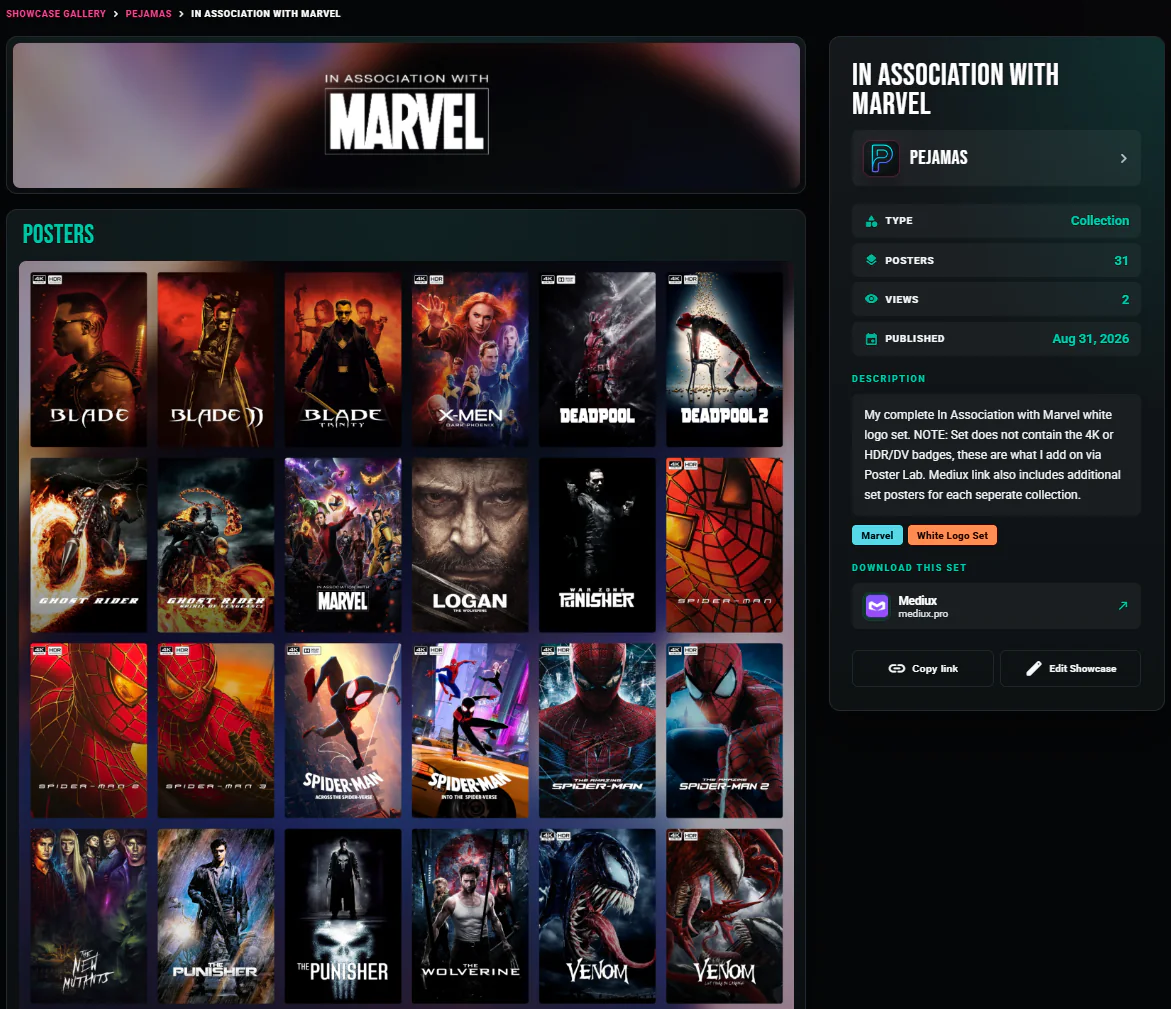
Each set page presents the full showcase alongside its title, notes and creator.
Follow a creator profile to explore all of the poster and title card sets they have shared.
Font Library
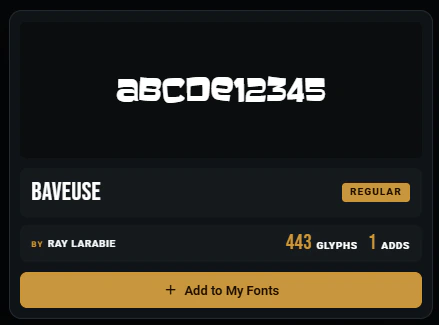
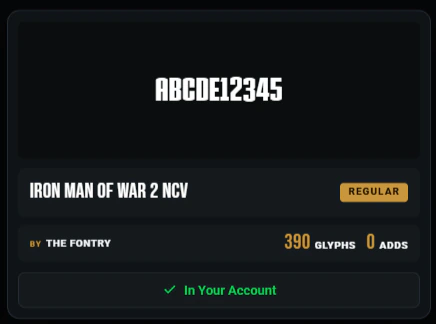
Find the right typeface. Browse a shared collection of custom fonts, preview your own text and bring favorites into your artwork workflow.
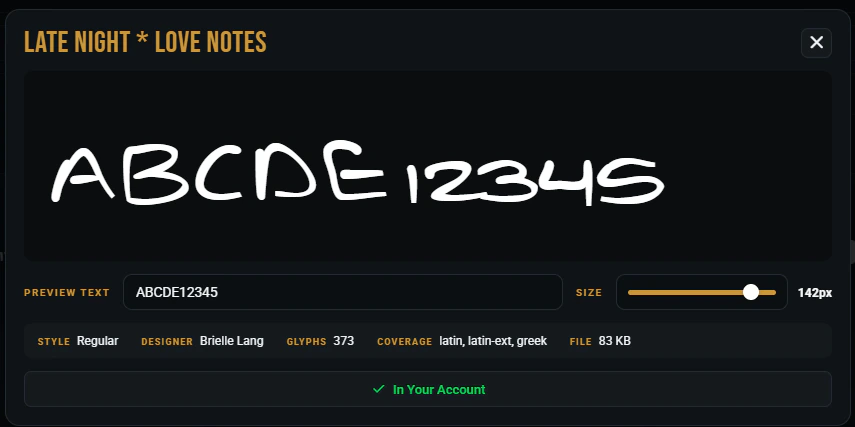
Find fonts by family, designer, foundry or filename, then filter and sort the results.
Type sample text and change its size to see how each font reads before adding it.
Selected fonts sync into Poster, Card and Thumb Lab font pickers.
Add TTF, OTF, WOFF or WOFF2 files from the library page.
Fonts in your account stay available whenever you sign in to your creative workspace.
Uploaded fonts join the shared library, where other signed-in creators can discover them.